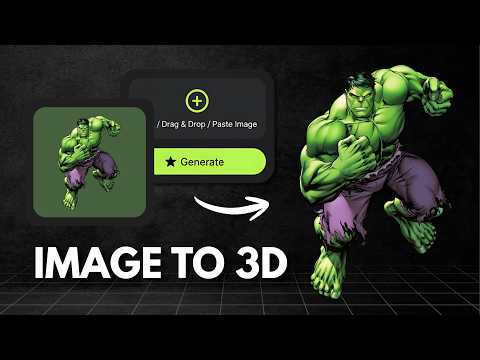
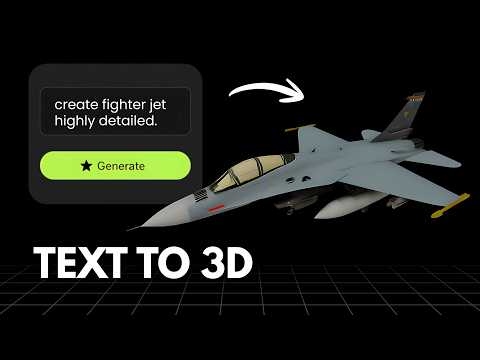
What is Hitem3D?
Hitem3D, known by its product name Hi3D, is an AI 3D model generator built on its own Sparc3D and Ultra3D technology that converts images into production ready 3D models with sharp edge preservation and PBR texturing. It offers separate model options tuned for general objects and for portraits, plus a metered API platform with pay per credit pricing for developers. Consumer plans range from a one time free trial of 100 credits up to Pro, Max and Ultra subscriptions with 1,000, 2,400 and 8,000 credits a month, with paid tiers reported at roughly $20 to $40 or more a month depending on the tier and billing cycle.
What is Vega3D?
Vega3D is a focused AI 3D toolkit for turning images and text into 3D models, then taking those models all the way to a usable file. It supports image to 3D, text to 3D and text to CAD generation, a multi format 3D viewer covering GLB, GLTF, STL, OBJ, FBX, PLY and 3MF files, a CAD viewer for engineering formats like STEP, IGES, DXF, STP and PLT, a format converter, and 3D printing tools including a model slicer, print cost estimator and lithophane generator. Plans start at $9/month for 50 credits with a commercial license included, scaling up to Pro and Premium for higher monthly limits.
Choose Hitem3D If
- Your starting point is almost always a photo, not a text prompt
- You want a dedicated portrait specific generation mode in addition to general objects
- You want a metered API billed per credit for your own integration
- You want output geometry tuned specifically for sharp edges and print readiness
Choose Vega3D If
- You want both text to 3D and image to 3D, not image only
- You want a commercial license with no attribution requirement on your first paid plan
- You need to take a generated model through to a printable file (slicing, cost estimate, lithophane) without extra software
- You also work with CAD files (STEP, IGES, DXF) and want one viewer for everything
Vega3D vs Hitem3D at a glance
| Feature | Vega3D | Hitem3D |
|---|---|---|
| Image to 3D | ||
| Text to 3D | ||
| Text to CAD | ||
| Portrait specific generation mode | ||
| Multi format 3D viewer for uploaded files | ||
| CAD viewer (STEP, IGES, DXF) | ||
| Model slicer and print cost estimator | ||
| Commercial license on free tier | No, free tier is CC BY 4.0 only | |
| Cheapest plan with commercial license | $9/month | Pro plan, reported around $20/month |
Generate 3D Models in Seconds
Powerful AI tools to turn your images and ideas into stunning 3D models instantly.
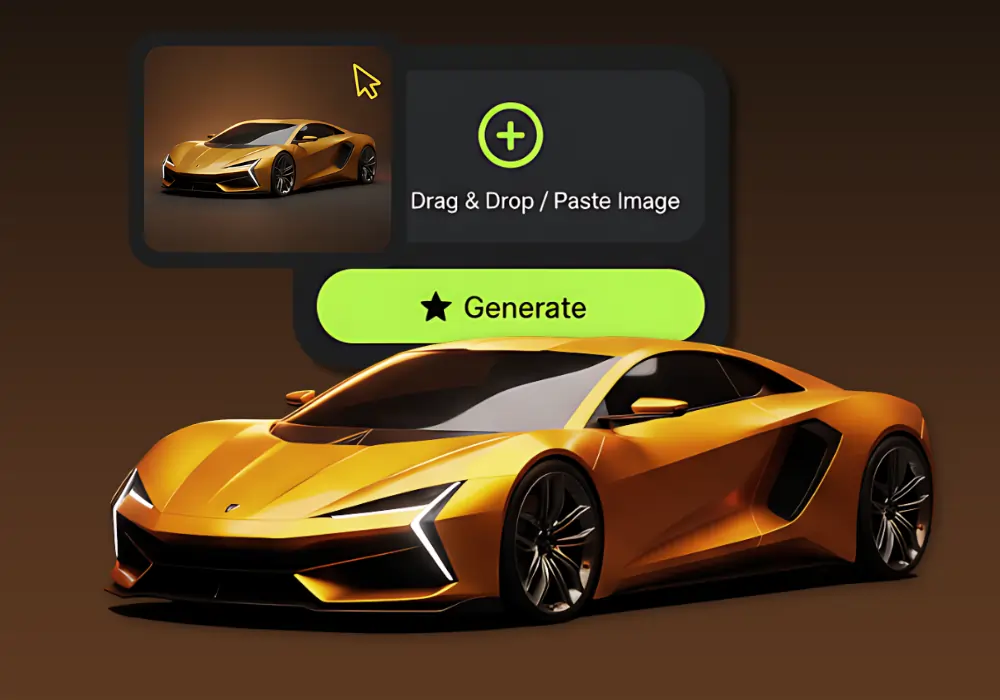
Image to 3D Model
Create detailed 3D models from photos using our Image to 3D tool, which generates accurate 3D models from simple images.
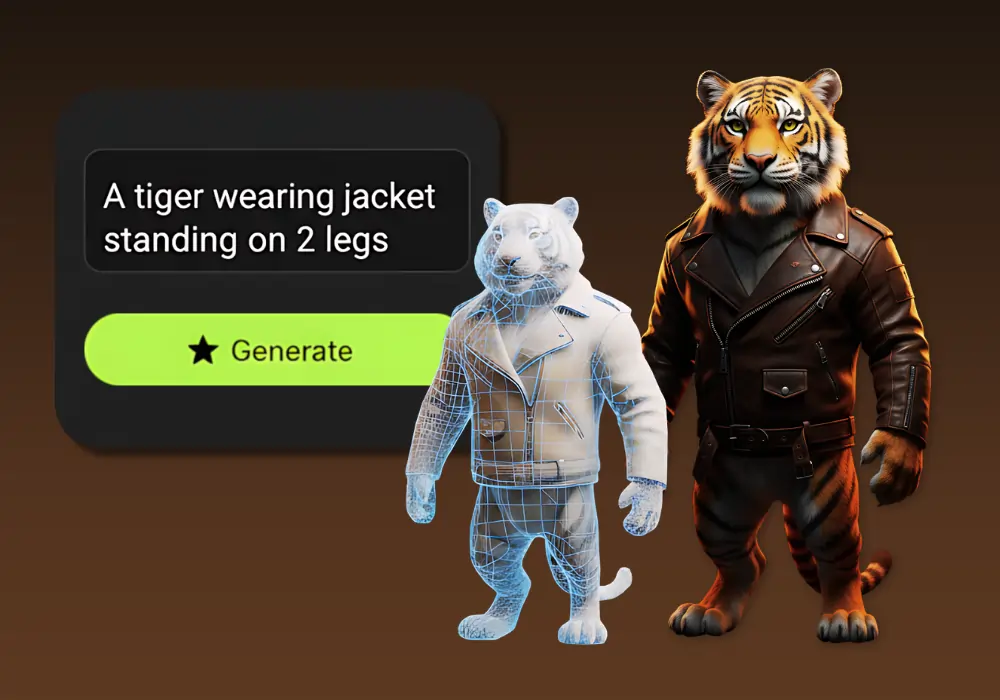
Text to 3D Model
Create detailed 3D models from text using our Text to 3D Model tool, which generates accurate 3D models from simple text descriptions.
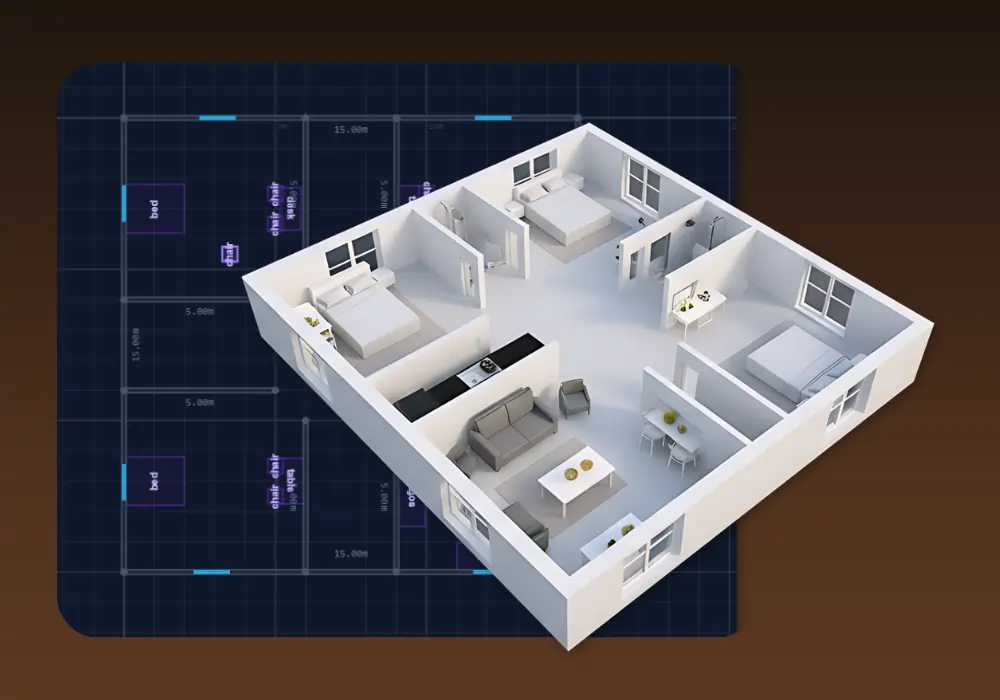
3D Building Editor
Design and visualize buildings in 3D with 3D Building Editor. Create floor plans, customize structures and explore your architecture in real time.
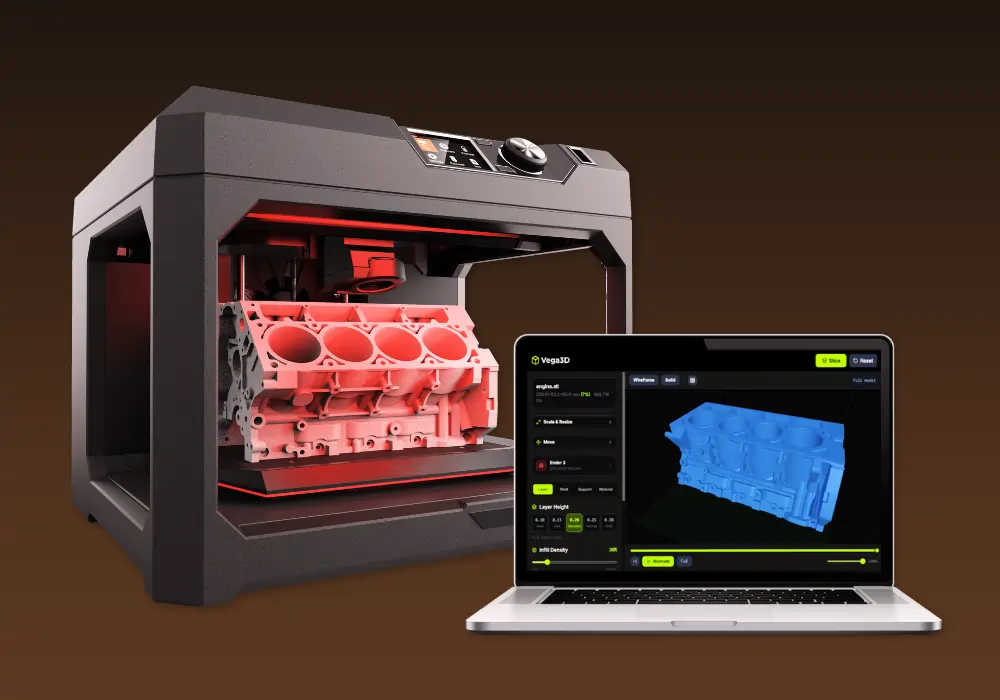
Vega3D Model Slicer
Best 3D model free online slicing software dedicated and use for slicing 3D models for 3d printing that allow preparing files to be printed.
Why switch from Hitem3D?
What Vega3D does differently.
Text to 3D as well as image to 3D
Hitem3D is built around image input. Vega3D also turns text prompts directly into 3D models when you do not have a source photo.
Built for print, not just clean geometry
Model slicer, print cost estimator and lithophane generator take a generated model to a printable file, beyond producing sharp, production ready geometry.
CAD and engineering formats included
Vega3D viewer and CAD viewer cover STEP, IGES, DXF and PLT files alongside GLB, OBJ, STL, FBX, PLY and 3MF.
Hitem3D vs Vega3D: Pros and Cons
Hitem3D
Pros
- Dedicated portrait generation mode alongside general object generation
- Sharp edge preservation aimed at clean, print ready geometry
- A metered API platform for developers who want to pay per credit
- Multiple model versions and resolution tiers to balance cost and detail
Cons
- No text to 3D, generation starts from an image
- Free tier is a one time 100 credit trial under CC BY 4.0, with no commercial use allowed
- No tools for 3D printing beyond clean geometry, such as slicing or print cost estimation
- No CAD viewer for engineering formats like STEP, IGES or DXF
Vega3D
Pros
- Both text to 3D and image to 3D generation
- Commercial license included from the first paid month, no CC BY attribution required
- Model slicer, print cost estimator and lithophane generator built in for 3D printing
- CAD viewer for STEP, IGES, DXF, STP and PLT files alongside standard 3D formats
Cons
- No dedicated portrait specific generation mode
- No metered, pay per credit API for developers
- No one time free trial, paid plans start at $9/month
- Single quality standard per plan rather than separate model version and resolution choices
Hitem3D vs Vega3D: What You Need to Know
The honest differences that should actually drive your decision.
Hitem3D is image first
Generation starts from a photo, with no text to 3D option, unlike Vega3D which supports both.
Free access is a one time trial, not a recurring tier
Hitem3D gives 100 credits once under a CC BY 4.0 license with no commercial use, rather than a renewing free plan.
Portrait generation is a real specialization
If you regularly need 3D portraits specifically, Hitem3D has a mode built for that which Vega3D does not offer.
Vega3D adds the path to a physical print
Model slicer, print cost estimator and lithophane generator are not part of what Hitem3D offers, even though its output geometry is built to be print ready.
Commercial use is gated differently
Hitem3D requires the Pro plan or higher, reported around $20/month and up, for private, commercial use. Vega3D includes a commercial license on its $9/month entry plan.
Frequently Asked QuestionsFrequently
Asked
Questions
Vega3D Standard is a confirmed $9/month with a commercial license included. Hitem3D's Pro plan, which is needed for private commercial use, is reported at roughly $20/month, though exact current pricing should be checked on their site.
No, Hitem3D generation starts from an image. Vega3D supports both text to 3D and image to 3D.
No. Hitem3D's free tier gives a one time 100 credits under a CC BY 4.0 license, which does not allow commercial use. Vega3D includes a commercial license starting at $9/month.
No, Vega3D does not currently offer a dedicated portrait mode. Hitem3D offers separate general and portrait specific model options.
Yes, upload your exported model file to the Vega3D viewer or converter to inspect, convert or prepare it for 3D printing.
Vega3D includes a CAD viewer for STEP, IGES, DXF, STP and PLT files. Hitem3D does not offer a CAD viewer.
Yes for preparation specifically. Vega3D includes a model slicer, print cost estimator and lithophane generator. Hitem3D focuses on producing clean, print ready geometry but does not include slicing or cost estimation tools.
Hitem3D offers a metered API platform billed per credit for developers. Vega3D does not currently offer a public API.
Hitem3D reports Pro at 1,000 credits a month, Max at 2,400 credits a month and Ultra at 8,000 credits a month, on top of a one time 100 credit free trial.
Hitem3D states its models are built on its own Sparc3D and Ultra3D technology for image to 3D generation.
Hitem3D offers multiple model versions and resolution tiers that affect credit cost per generation. Vega3D scales output quality by plan (Standard, Pro, Premium) rather than by a per generation choice.
See It In Action
Watch How Vega 3D Works