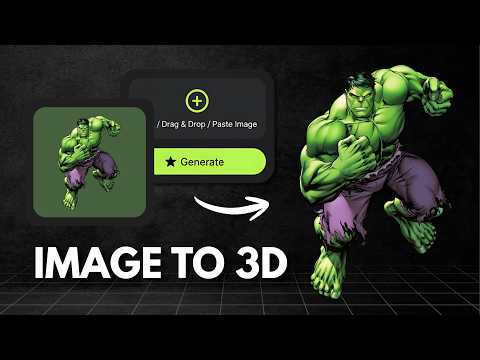
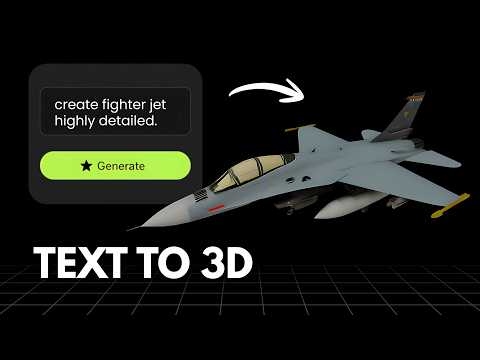
What is Krea?
Krea is an AI creative suite covering image generation, video generation, 3D object generation and lipsync in one platform. Its 3D mode generates 3D objects from text or images in seconds, running on a choice of underlying models including Hunyuan3D-2.1, Trellis and Tripo rather than a single dedicated 3D engine. Krea offers a free tier with 100 compute units a day, and paid plans starting at $9/month that add a commercial license and access to image, 3D and lipsync models, with higher tiers unlocking full video generation and workflow automation tools.
What is Vega3D?
Vega3D is a focused AI 3D toolkit for turning images and text into 3D models, then taking those models all the way to a usable file. It supports image to 3D, text to 3D and text to CAD generation, a multi format 3D viewer covering GLB, GLTF, STL, OBJ, FBX, PLY and 3MF files, a CAD viewer for engineering formats like STEP, IGES, DXF, STP and PLT, a format converter, and 3D printing tools including a model slicer, print cost estimator and lithophane generator. Plans start at $9/month for 50 credits with a commercial license included, scaling up to Pro and Premium for higher monthly limits.
Choose Krea If
- You want image, video, 3D and lipsync generation bundled into a single subscription
- You want a generous free daily allowance to experiment with before paying
- You are fine with 3D generation running on third party models rather than a dedicated in house pipeline
- You want workflow automation tools like Nodes and Apps for combining multiple generation types
Choose Vega3D If
- Your main use case is 3D, CAD and 3D printing, not image or video generation
- You want every credit dedicated to 3D rather than shared across multiple generation types
- You want a dedicated, in house 3D generation pipeline rather than a wrapper around third party models
- You need CAD viewing or print preparation tools, which Krea does not offer
Vega3D vs Krea at a glance
| Feature | Vega3D | Krea |
|---|---|---|
| Image to 3D | ||
| Text to 3D | ||
| Text to CAD | ||
| Dedicated, in house 3D generation pipeline | Uses third party models (Hunyuan3D, Trellis, Tripo) | |
| Image and video generation included | ||
| CAD viewer (STEP, IGES, DXF) | ||
| Model slicer and print cost estimator | ||
| Commercial license on entry paid plan | $9/month | $9/month (shared across image, video and 3D) |
Generate 3D Models in Seconds
Powerful AI tools to turn your images and ideas into stunning 3D models instantly.
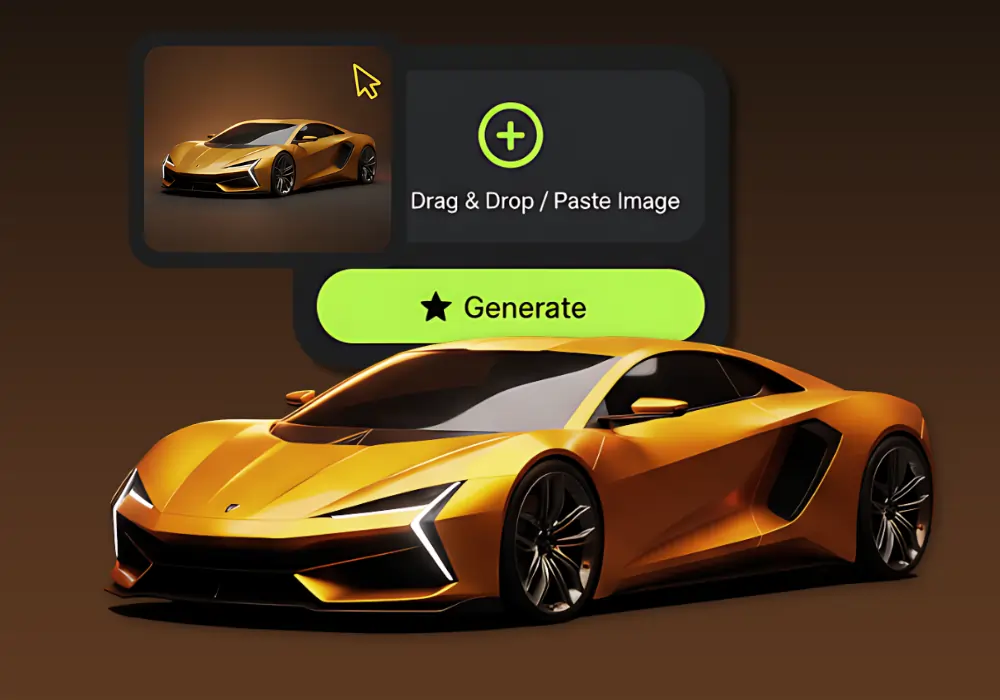
Image to 3D Model
Create detailed 3D models from photos using our Image to 3D tool, which generates accurate 3D models from simple images.
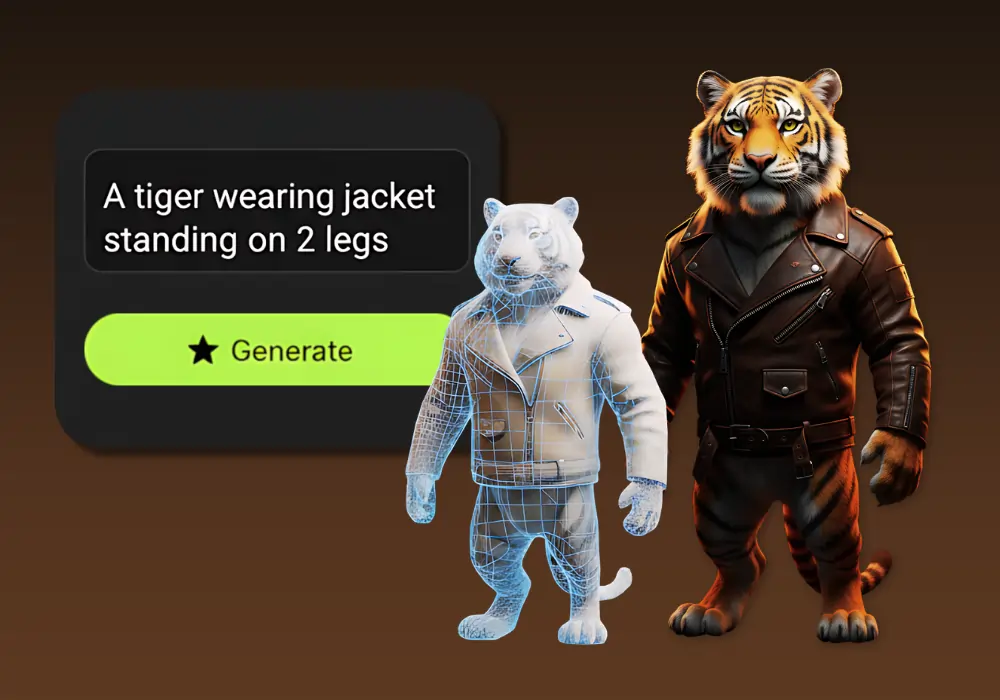
Text to 3D Model
Create detailed 3D models from text using our Text to 3D Model tool, which generates accurate 3D models from simple text descriptions.
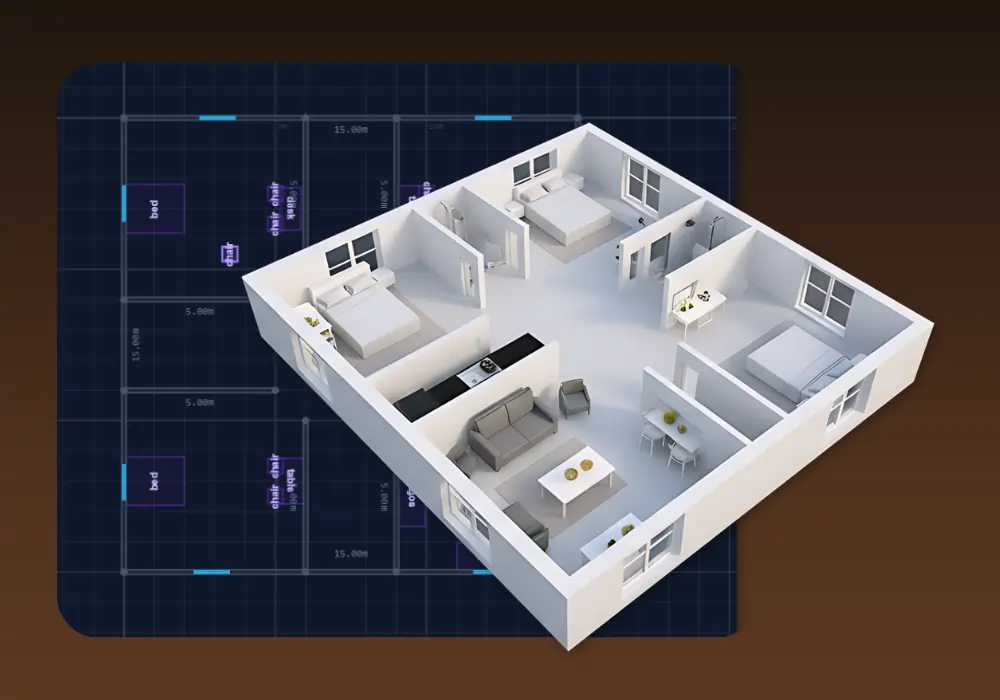
3D Building Editor
Design and visualize buildings in 3D with 3D Building Editor. Create floor plans, customize structures and explore your architecture in real time.
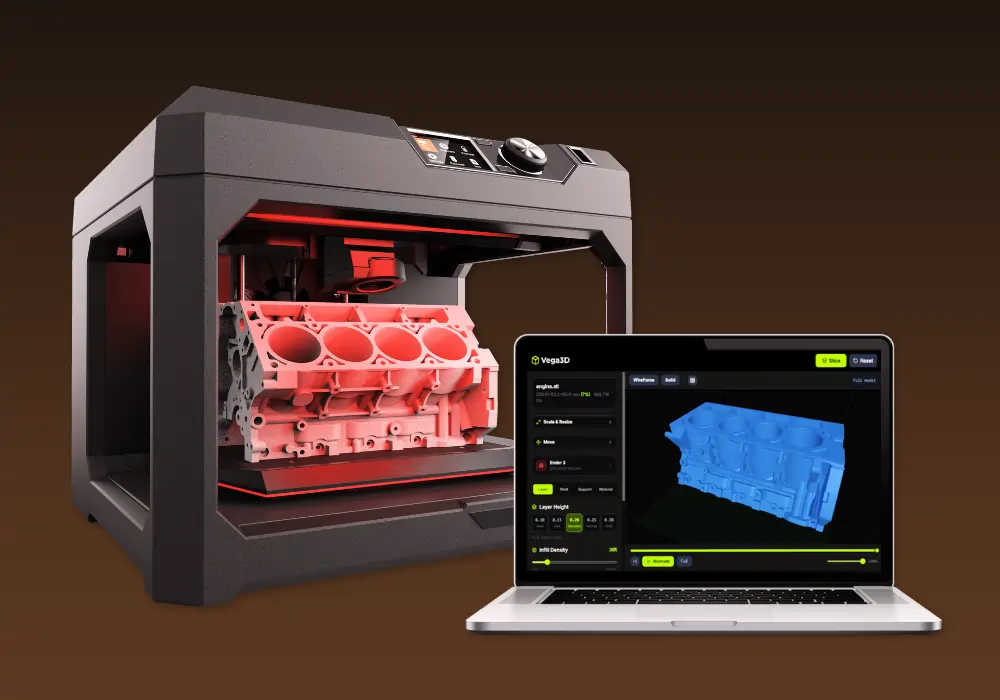
Vega3D Model Slicer
Best 3D model free online slicing software dedicated and use for slicing 3D models for 3d printing that allow preparing files to be printed.
Why switch from Krea?
What Vega3D does differently.
Credits dedicated to 3D, not shared across modes
Krea's compute units are shared across image, video, 3D and lipsync generation. Every Vega3D credit goes toward 3D, CAD or print tools only.
An in house 3D pipeline
Krea 3D mode runs on third party models including Hunyuan3D, Trellis and Tripo. Vega3D runs its own dedicated generation pipeline focused only on 3D.
Print preparation built in
Model slicer, print cost estimator and lithophane generator are not part of an image and video suite like Krea, they are core to Vega3D.
Krea vs Vega3D: Pros and Cons
Krea
Pros
- One subscription covers image, video, 3D and lipsync generation
- Generous free tier with 100 compute units per day and no credit card required
- Access to multiple underlying 3D models (Hunyuan3D, Trellis, Tripo) in one interface
- Workflow automation through Nodes and Apps on higher plans
Cons
- 3D generation runs on third party models rather than an in house pipeline
- Compute units are shared across image, video and 3D, so heavy 3D use competes with other generations
- No tools for 3D printing such as slicing or print cost estimation
- No CAD viewer for engineering formats like STEP, IGES or DXF
Vega3D
Pros
- Every credit is dedicated to 3D, CAD and print tools, nothing shared with image or video generation
- Model slicer, print cost estimator and lithophane generator built in
- CAD viewer for STEP, IGES, DXF, STP and PLT files
- A dedicated, in house 3D generation pipeline
Cons
- No image or video generation included
- No free daily allowance to try before subscribing
- No workflow automation tools like Nodes or Apps
- No access to multiple third party model providers in one interface
Krea vs Vega3D: What You Need to Know
The honest differences that should actually drive your decision.
Krea's 3D mode is a feature, not the focus
Krea is primarily an image and video platform. Its 3D generation runs through third party models (Hunyuan3D, Trellis, Tripo) rather than a dedicated in house pipeline.
Pricing is similar at the entry tier
Krea Basic and Vega3D Standard are both $9/month, so the real difference is what the subscription is for, not which is cheaper.
Shared credits versus dedicated credits
Krea compute units are spent across image, video, 3D and lipsync generation together. Vega3D credits go entirely toward 3D, CAD and print tools.
Vega3D covers the path to a physical print
Model slicer, print cost estimator and lithophane generator are not part of what Krea offers, even on its higher tiers.
Choose based on whether you need more than 3D
If you also need image and video generation in the same subscription, Krea's breadth is useful. If 3D, CAD and printing are the whole job, a dedicated tool uses your budget more efficiently.
Frequently Asked QuestionsFrequently
Asked
Questions
They are close at the entry tier. Vega3D Standard is $9/month for 50 credits dedicated to 3D. Krea Basic is also $9/month for 5,000 compute units, but those units are shared across image, video, 3D and lipsync generation.
No. Krea 3D mode runs on third party models including Hunyuan3D-2.1, Trellis and Tripo. Vega3D runs a dedicated, in house 3D generation pipeline.
No, Vega3D is focused on image to 3D, text to 3D and text to CAD generation, plus viewing, converting and 3D printing tools. Krea covers image, video, 3D and lipsync generation in one platform.
No. Krea free plan has no commercial license. A commercial license is included starting on the Basic plan at $9/month, the same entry price as Vega3D Standard.
Yes. Upload the exported model file to the Vega3D viewer or converter to inspect, convert or prepare it for 3D printing.
Vega3D includes a CAD viewer for STEP, IGES, DXF, STP and PLT files. Krea does not offer a CAD viewer.
Yes. Vega3D includes a model slicer, print cost estimator and lithophane generator. Krea does not offer dedicated print preparation tools.
No. Krea's Pro plan and above include Nodes and Apps for workflow automation across image, video and 3D. Vega3D does not currently offer workflow automation tools.
Krea offers a choice of underlying models for its 3D mode, including Hunyuan3D-2.1, Trellis and Tripo, rather than a single dedicated 3D engine.
It depends on usage elsewhere. Vega3D's 50 monthly credits go entirely to 3D generation. Krea's 5,000 monthly compute units on Basic are shared across image, video, 3D and lipsync, so heavy use of other modes leaves less for 3D.
No, Vega3D does not have a free tier. Krea offers 100 compute units per day for free, shared across image, video, 3D and lipsync generation, with no commercial license.
See It In Action
Watch How Vega 3D Works