What is Meshy?
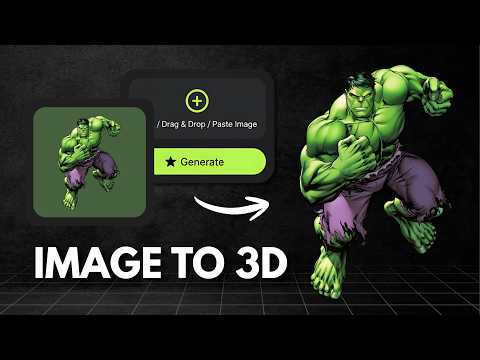
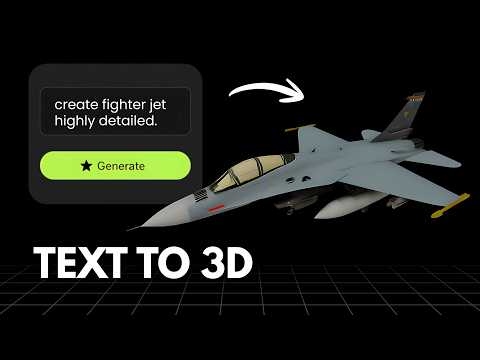
Meshy is an AI 3D model generator that turns text prompts and images into 3D models in seconds. It supports text to 3D and image to 3D generation, with smart remesh controls to adjust model detail from 1k up to 300k triangles. Generated models export in FBX, GLB, OBJ, STL, 3MF, USDZ and BLEND formats, and Meshy offers plugins for Blender, Unity, Unreal Engine, Maya, 3ds Max, Godot and Roblox, plus a REST API for custom pipelines. Plans range from a free tier with 100 credits a month, where output is CC BY 4.0 licensed, up to Pro, Studio and Enterprise tiers with more credits, full ownership and API access.
What is Vega3D?
Vega3D is a focused AI 3D toolkit for turning images and text into 3D models, then taking those models all the way to a usable file. It supports image to 3D, text to 3D and text to CAD generation, a multi format 3D viewer covering GLB, GLTF, STL, OBJ, FBX, PLY and 3MF files, a CAD viewer for engineering formats like STEP, IGES, DXF, STP and PLT, a format converter, and 3D printing tools including a model slicer, print cost estimator and lithophane generator. Plans start at $9/month for 50 credits with a commercial license included, scaling up to Pro and Premium for higher monthly limits.
Choose Meshy If
- You need native export to USDZ or BLEND, not just GLB, STL and OBJ
- Your pipeline is already built around Blender, Unity, Unreal, Maya, 3ds Max, Godot or Roblox and you want ready made plugins
- You want to automate generation through a REST API
- You are comfortable with CC BY 4.0 attribution on free tier output
Choose Vega3D If
- You want a commercial license with no attribution requirement from your first paid month
- You need to take a generated model through to a printable file (slicing, cost estimate, lithophane) without extra software
- You also work with CAD files (STEP, IGES, DXF) and want one viewer for everything
- You prefer a simple flat $9/month price instead of comparing multiple tiers
Vega3D vs Meshy at a glance
| Feature | Vega3D | Meshy |
|---|---|---|
| Image to 3D | ||
| Text to 3D | ||
| Text to CAD | ||
| Multi format 3D viewer for uploaded files | Preview only, generated models | |
| CAD viewer (STEP, IGES, DXF) | ||
| Model slicer and print cost estimator | ||
| Commercial license with no attribution | From $9/month | Free tier requires CC BY attribution |
| Cheapest paid plan | $9/month | $20/month or $16/month billed yearly |
Generate 3D Models in Seconds
Powerful AI tools to turn your images and ideas into stunning 3D models instantly.
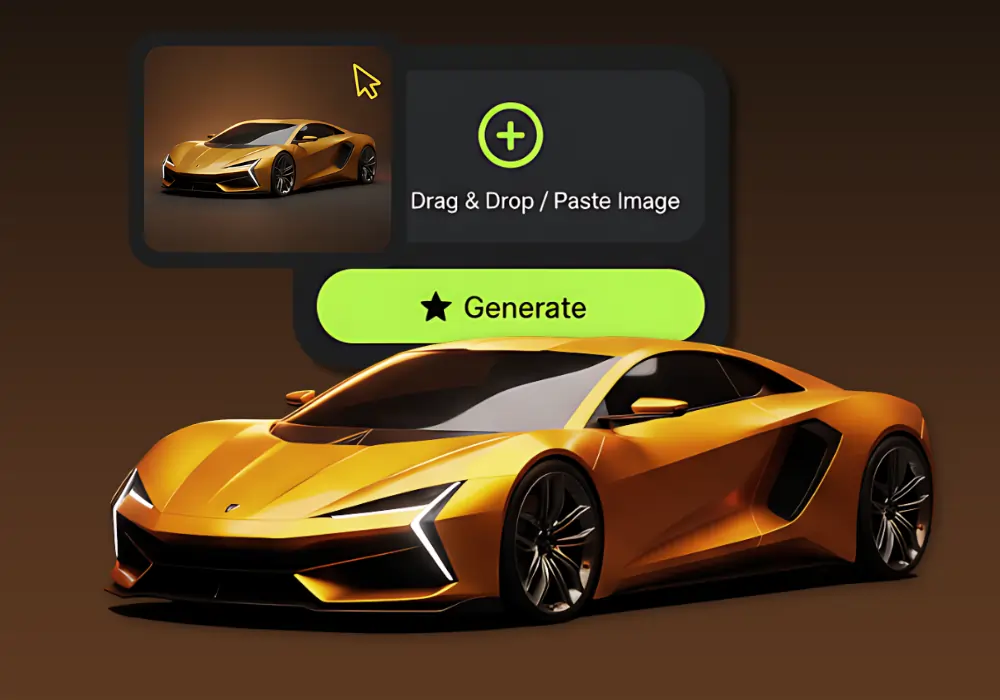
Image to 3D Model
Create detailed 3D models from photos using our Image to 3D tool, which generates accurate 3D models from simple images.
Text to 3D Model
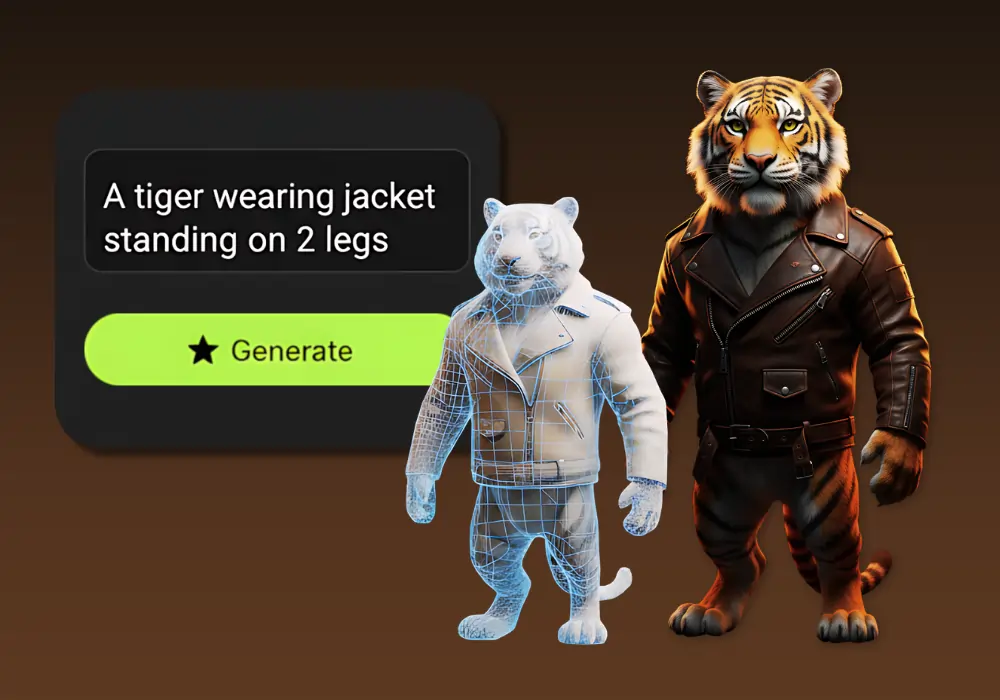
Create detailed 3D models from text using our Text to 3D Model tool, which generates accurate 3D models from simple text descriptions.
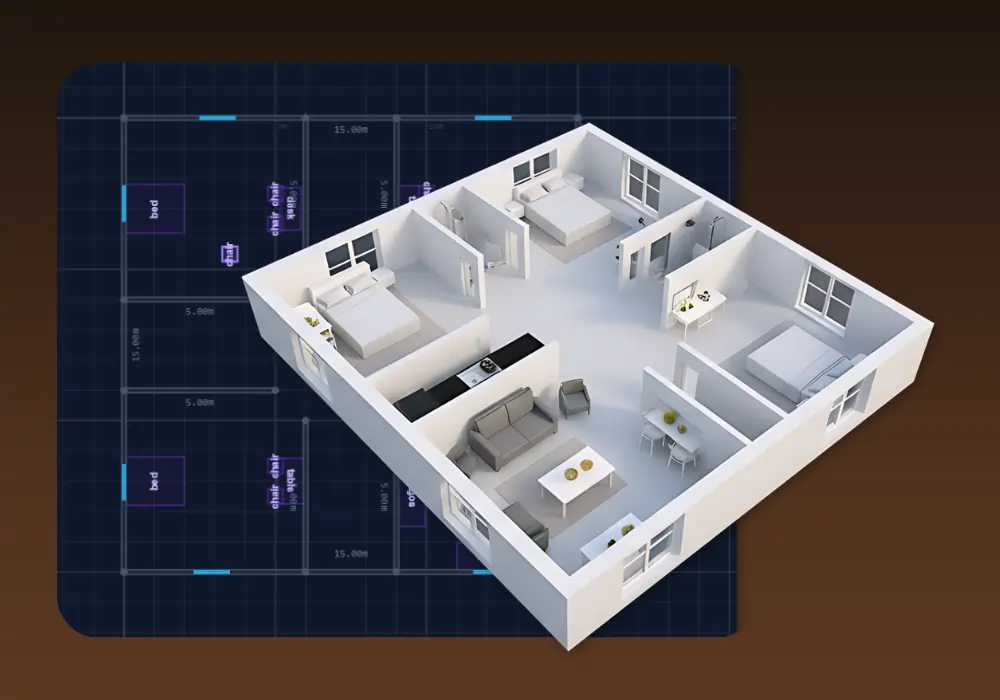
3D Building Editor
Design and visualize buildings in 3D with 3D Building Editor. Create floor plans, customize structures and explore your architecture in real time.
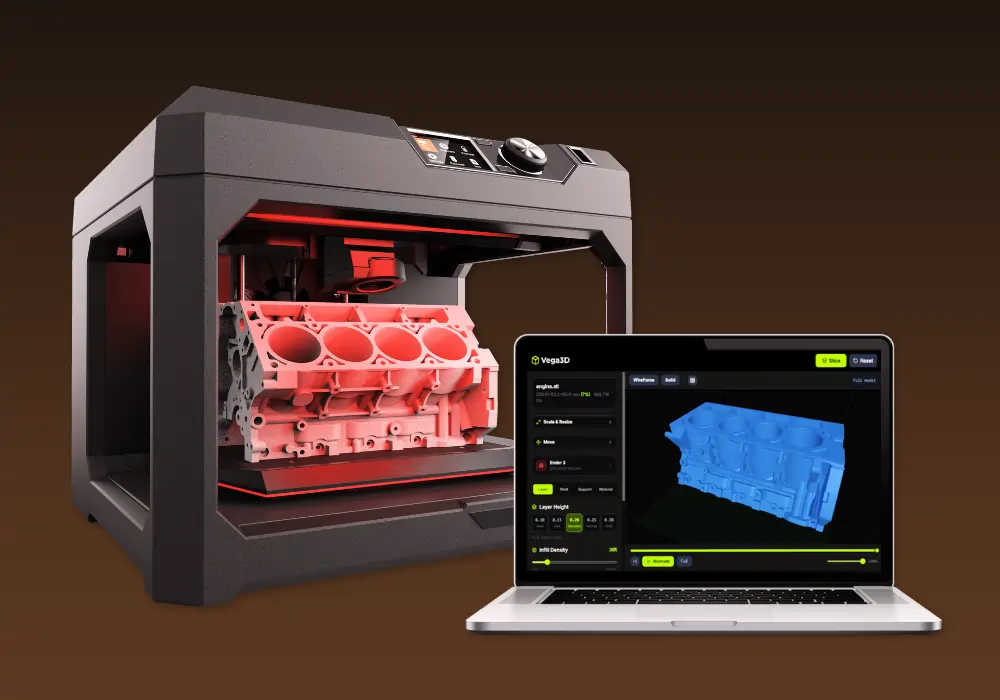
Vega3D Model Slicer
Best 3D model free online slicing software dedicated and use for slicing 3D models for 3d printing that allow preparing files to be printed.
Why switch from Meshy?
What Vega3D does differently.
Built for printable output
Model slicer, print cost estimator and lithophane generator turn a generated model into a print ready file without leaving Vega3D.
No attribution required
Vega3D plans include a commercial license from $9 a month with no requirement to credit Vega3D, unlike Meshy free tier assets which are CC BY 4.0 licensed.
One toolkit, not just a generator
A viewer for GLB, OBJ, STL, FBX, PLY and 3MF, plus a converter and CAD viewer, sit alongside generation in the same app.
Meshy vs Vega3D: Pros and Cons
Meshy
Pros
- Wide export format support including FBX, GLB, OBJ, STL, 3MF, USDZ and BLEND
- Plugins for Blender, Unity, Unreal, Maya, 3ds Max, Godot and Roblox, plus a REST API
- Smart remesh control from 1k to 300k triangles
Cons
- Free plan output is CC BY 4.0 licensed, so commercial use requires public attribution
- No built in tools for 3D printing such as slicing or print cost estimation
- No standalone viewer or converter for files you did not generate on Meshy
- Paid plans start at $20/month for full ownership without attribution
Vega3D
Pros
- Commercial license with no attribution requirement starting at $9/month
- Model slicer, print cost estimator and lithophane generator built in for 3D printing
- CAD viewer for STEP, IGES, DXF, STP and PLT files alongside standard 3D formats
- Simple flat monthly credits with no per export licensing terms to track
Cons
- No free plan, paid plans start at $9/month
- No public API or game engine plugins yet
- No bulk or batch generation for large concurrent runs
Meshy vs Vega3D: What You Need to Know
The honest differences that should actually drive your decision.
Meshy has strong game engine integration
Plugins for Blender, Unity, Unreal, Maya, 3ds Max, Godot and Roblox make Meshy a strong fit if your pipeline is already built around a specific game engine.
Vega3D is optimized for print and viewing
If you need to go from a generated model to a sliced, cost estimated, printable file, Vega3D keeps that entire workflow in one app.
Licensing works differently on free tiers
Meshy free plan output is CC BY 4.0, meaning commercial use is allowed but requires attribution. Vega3D has no free tier, but every paid plan from $9/month includes a commercial license with no attribution required.
Format coverage differs by use case
Meshy exports more native formats (including USDZ and BLEND) for generated models. Vega3D supports GLB, STL and OBJ for generation, plus a broader viewer and converter for FBX, GLTF, PLY, 3MF and CAD formats on files you upload.
Developers should weigh API access
Meshy offers a REST API and engine plugins for pipeline automation. Vega3D is currently a web app without a public API, so it suits manual workflows better than automated pipelines today.
Frequently Asked QuestionsFrequently
Asked
Questions
Vega3D Standard is $9/month for 50 credits with a commercial license included. Meshy paid plans start at $20/month ($16/month billed yearly) for 1,000 credits. Meshy also has a free plan with 100 credits/month, but that output is CC BY 4.0 licensed.
Yes. Upload your GLB, OBJ, FBX or STL file to the Vega3D viewer or converter to inspect it, convert it to another format, or prepare it for 3D printing.
No, Vega3D plans start at $9/month. Meshy free plan gives 100 credits/month, but generated assets are licensed CC BY 4.0, which requires attribution for commercial use.
Meshy exports FBX, GLB, OBJ, STL, 3MF, USDZ and BLEND for generated models. Vega3D generates GLB, STL and OBJ, and separately supports viewing and converting FBX, GLTF, PLY and 3MF, plus CAD formats like STEP, IGES and DXF for uploaded files.
Not currently. Meshy offers a REST API and plugins for Blender, Unity, Unreal, Maya, 3ds Max, Godot and Roblox. Vega3D is a web app focused on generation, viewing, conversion and print preparation.
Yes. Convert the model to STL in Vega3D, then run it through the model slicer or print cost estimator to prepare it for printing.
Yes, with conditions. Meshy free plan output is CC BY 4.0 licensed, which permits commercial use as long as you provide attribution. Vega3D paid plans include a commercial license with no attribution requirement, starting at $9/month.
Vega3D Standard gives 50 credits/month, and each generation costs 10 credits, so about 5 models/month. Meshy free plan gives 100 credits/month, and Meshy Pro gives 1,000 credits/month for $20.
Not specifically. Meshy Pro and higher plans support 50+ concurrent generation tasks. Vega3D is built around single generation requests today.
For print preparation, yes. Vega3D includes a dedicated model slicer, print cost estimator and lithophane generator. Meshy is focused on generation, texturing and game engine export rather than print preparation.
See It In Action
Watch How Vega 3D Works