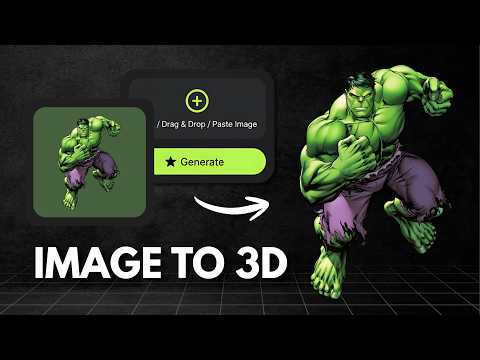
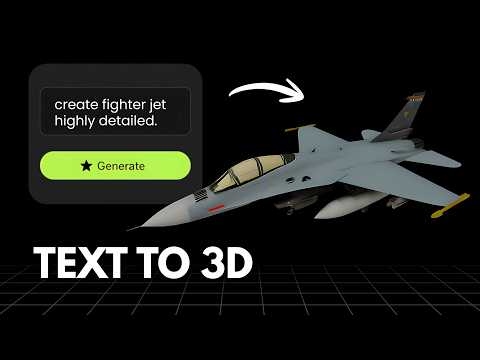
What is Rodin?
Hyper3D Rodin, usually just called Rodin, is an AI 3D generation platform built for speed and detail, producing a full 3D model from a text prompt or image in roughly 4 to 5 seconds while supporting over 10 million polygons. It includes a 3D inpainting feature for making targeted edits within a specific area of an existing model, and exports in GLB, USDZ, FBX, OBJ and STL formats. Its free plan is pay per credit, charging $1.50 per credit to download a result, while paid Creator and Business plans starting at $30/month add unlimited private assets, higher resolution textures and API access.
What is Vega3D?
Vega3D is a focused AI 3D toolkit for turning images and text into 3D models, then taking those models all the way to a usable file. It supports image to 3D, text to 3D and text to CAD generation, a multi format 3D viewer covering GLB, GLTF, STL, OBJ, FBX, PLY and 3MF files, a CAD viewer for engineering formats like STEP, IGES, DXF, STP and PLT, a format converter, and 3D printing tools including a model slicer, print cost estimator and lithophane generator. Plans start at $9/month for 50 credits with a commercial license included, scaling up to Pro and Premium for higher monthly limits.
Choose Rodin If
- You need very fast generation (4 to 5 seconds) and very high polygon counts over 10 million
- You want a 3D inpainting tool to make targeted edits to part of an existing model
- You are fine with a pay per credit free tier and subscriptions starting at $30/month for unlimited private assets
Choose Vega3D If
- You want predictable, flat monthly pricing instead of per credit download costs
- You need 3D printing preparation tools (slicer, cost estimator, lithophane generator)
- You want a CAD viewer for engineering formats alongside standard 3D file support
- You want a lower cost entry point at $9/month versus $30/month for a private, full featured plan
Vega3D vs Rodin at a glance
| Feature | Vega3D | Rodin |
|---|---|---|
| Image to 3D | ||
| Text to 3D | ||
| Text to CAD | ||
| 3D inpainting for targeted model edits | ||
| CAD viewer (STEP, IGES, DXF) | ||
| Model slicer and print cost estimator | ||
| Pricing model | Flat $9/month | Free is pay per download at $1.50 each, plans start at $30/month |
| Cheapest subscription plan | $9/month | $30/month or $24/month billed yearly |
Generate 3D Models in Seconds
Powerful AI tools to turn your images and ideas into stunning 3D models instantly.
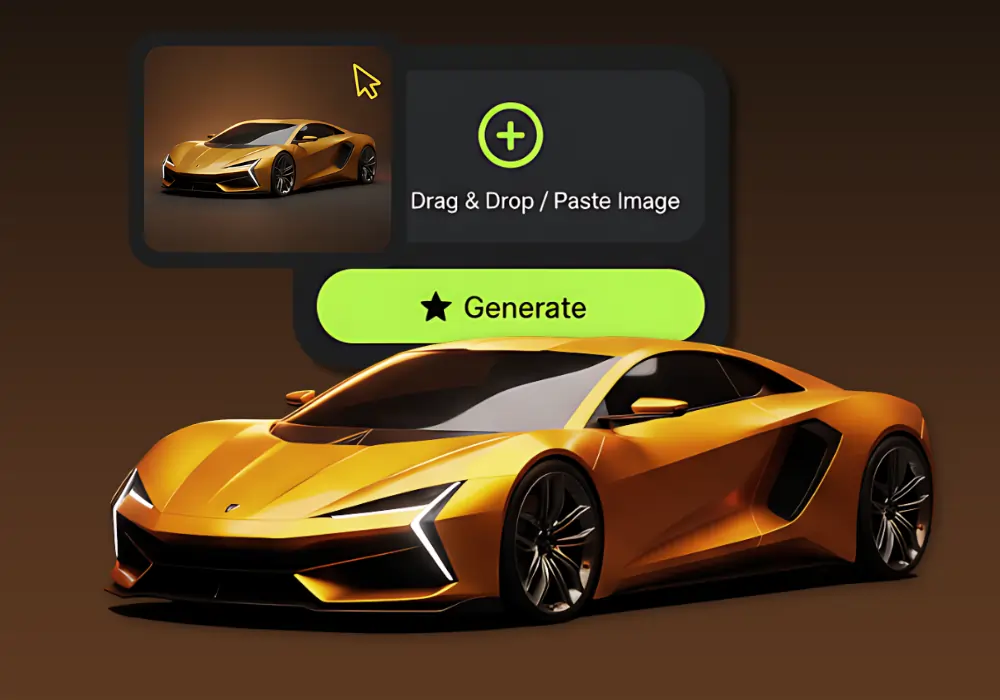
Image to 3D Model
Create detailed 3D models from photos using our Image to 3D tool, which generates accurate 3D models from simple images.
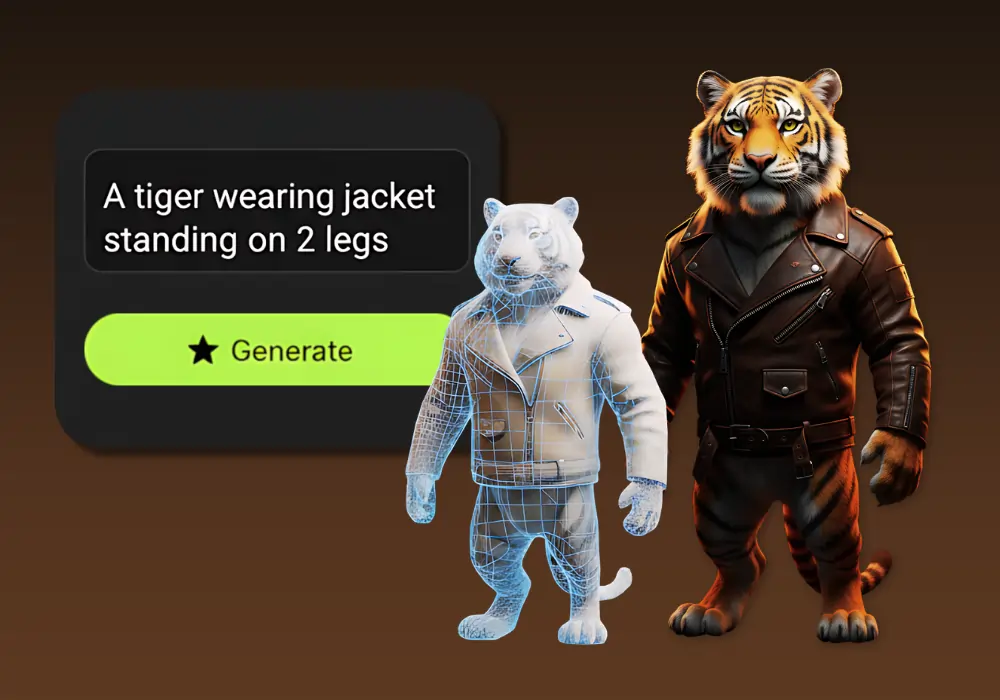
Text to 3D Model
Create detailed 3D models from text using our Text to 3D Model tool, which generates accurate 3D models from simple text descriptions.
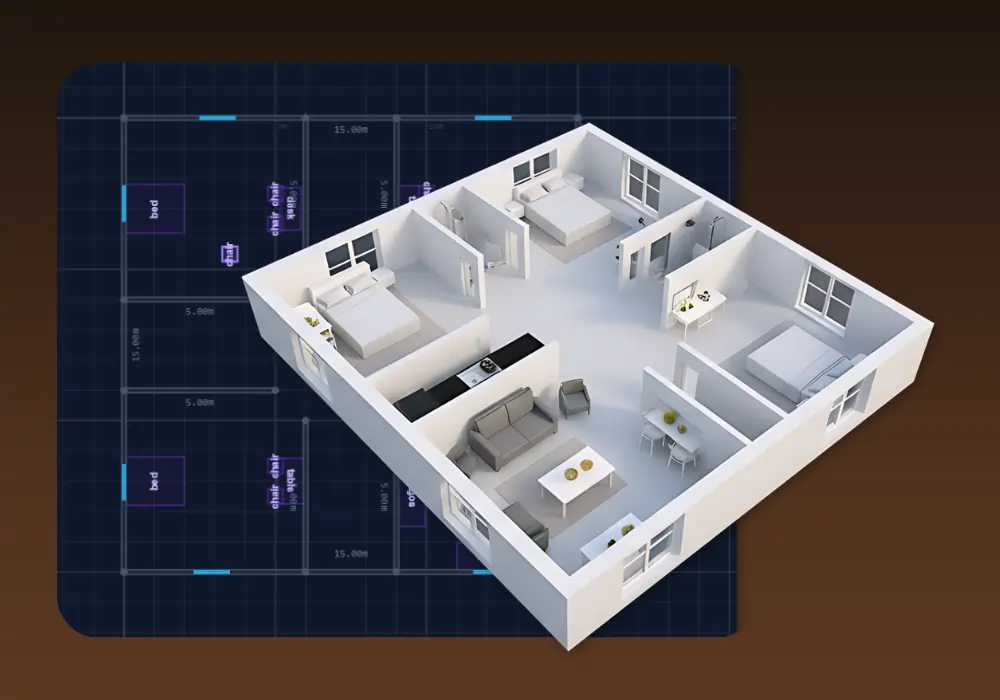
3D Building Editor
Design and visualize buildings in 3D with 3D Building Editor. Create floor plans, customize structures and explore your architecture in real time.
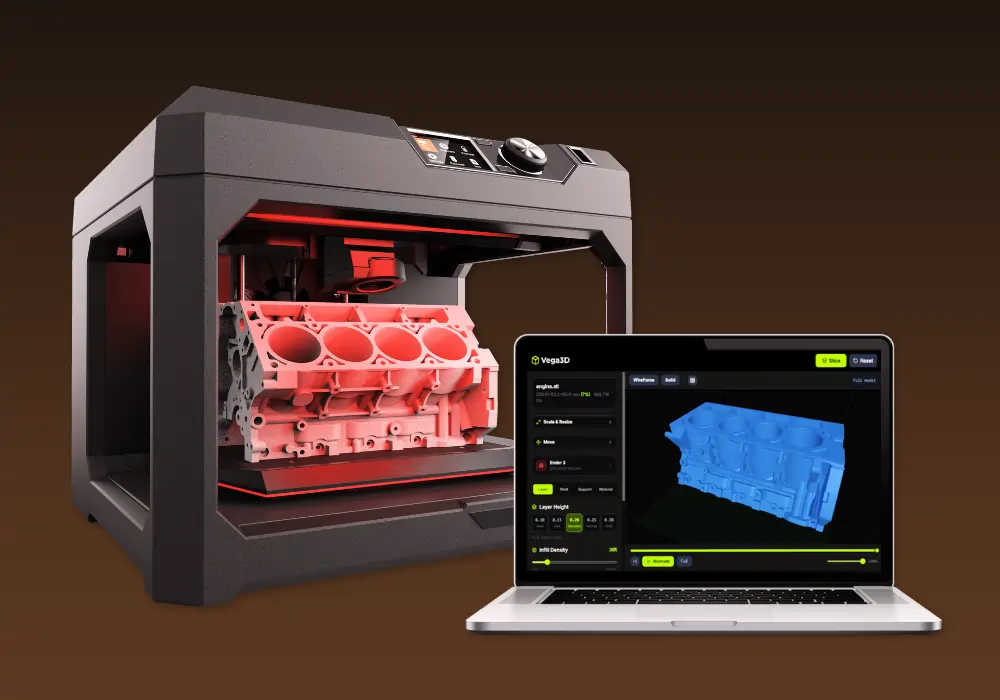
Vega3D Model Slicer
Best 3D model free online slicing software dedicated and use for slicing 3D models for 3d printing that allow preparing files to be printed.
Why switch from Rodin?
What Vega3D does differently.
Lower, flatter entry price
Vega3D starts at $9/month. Hyper3D Rodin free tier charges $1.50 per credit to actually download a result, and its first subscription tier is $30/month.
Generation plus production
Rodin is optimized for fast, high polygon generation and editing. Vega3D adds a model slicer, print cost estimator and lithophane generator so the output is ready to print.
CAD and engineering formats included
Vega3D viewer and CAD viewer cover STEP, IGES, DXF and PLT files alongside GLB, OBJ, STL, FBX, PLY and 3MF.
Rodin vs Vega3D: Pros and Cons
Rodin
Pros
- Very fast generation, full models in roughly 4 to 5 seconds
- High polygon output, supporting over 10 million polygons
- 3D inpainting allows targeted edits within a selected area of a model
Cons
- Free plan is not actually free to use, it charges $1.50 per credit per result
- Cheapest subscription plan is $30/month, more than 3 times Vega3D entry price
- No tools for 3D printing such as slicing or print cost estimation
- No CAD viewer for engineering formats like STEP, IGES or DXF
Vega3D
Pros
- Flat $9/month entry price with predictable monthly credits, no pay per download fees
- Model slicer, print cost estimator and lithophane generator built in
- CAD viewer for STEP, IGES, DXF, STP and PLT files
- Commercial license included from the entry plan
Cons
- No targeted 3D inpainting or model editing tools
- Lower maximum polygon output for generated models
- Slower iteration loop than a sub 5 second generation time
Rodin vs Vega3D: What You Need to Know
The honest differences that should actually drive your decision.
Rodin's free plan is pay per result, not free
Generation may be free, but downloading a finished model costs $1.50 per credit on the free tier, so casual free use adds up quickly compared to a flat plan.
Speed and polygon count favor Rodin
If your priority is very fast turnaround and high polygon detail straight out of generation, Hyper3D Rodin is built for that.
Vega3D is built for predictable monthly cost
A flat $9/month covers 50 credits with no per download charges, which is easier to budget than a credit purchase model.
Editing tools differ in kind
Rodin's 3D inpainting lets you edit part of an existing model. Vega3D does not offer model editing yet, focusing instead on generation, viewing, conversion and print preparation.
Print preparation is exclusive to Vega3D here
Neither plan comparison page nor product pages for Hyper3D Rodin mention slicing or print cost tools, which are core to Vega3D.
Frequently Asked QuestionsFrequently
Asked
Questions
Yes, for predictable monthly cost. Vega3D is a flat $9/month for 50 credits. Rodin free tier charges $1.50 per credit to download a result, and its first paid plan, Creator, is $30/month ($24/month billed yearly).
Generation exploration is free, but downloading a finished model on the free plan costs $1.50 per credit, so it behaves more like pay per download than a true free tier.
Not currently. Hyper3D Rodin includes a 3D inpainting feature for targeted edits within a selected area of a model. Vega3D focuses on generation, viewing, conversion and print preparation.
Yes. Upload your GLB, FBX, OBJ or STL export from Rodin to the Vega3D viewer or converter to inspect, convert or prepare it for printing.
Vega3D includes a CAD viewer for STEP, IGES, DXF, STP and PLT files. This is not a feature offered on Hyper3D Rodin.
Yes, this is a clear difference. Vega3D includes a model slicer, print cost estimator and lithophane generator. Hyper3D Rodin does not offer dedicated print preparation tools.
Hyper3D Rodin advertises full model generation in roughly 4 to 5 seconds, which is faster than most generators. Vega3D's generation time depends on the request and is not marketed around sub 5 second speed.
Creator is $30/month ($24/month billed yearly) and includes HD and custom textures, smart low poly output, 20 geometry redos, 6 material redos, and unlimited private assets and exports.
Hyper3D Rodin advertises support for over 10 million polygons per model. Vega3D does not publish a specific maximum polygon count for generated models.
Vega3D, because pricing is a flat monthly subscription with included credits. Rodin combines monthly subscriptions with per credit costs on the free tier, which can vary based on usage.
See It In Action
Watch How Vega 3D Works