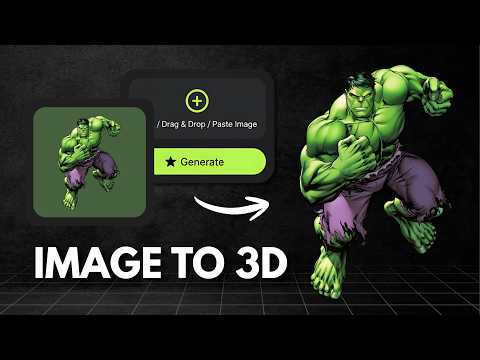
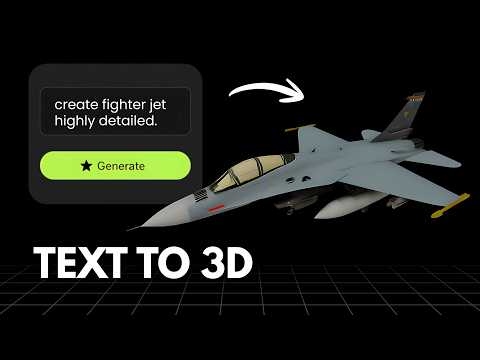
What is TRELLIS?
TRELLIS is an open source 3D asset generation model created by Microsoft Research, introduced in the paper "Structured 3D Latents for Scalable and Versatile 3D Generation" (a CVPR 2025 Spotlight paper). It generates 3D assets from text or image prompts using a unified Structured LATent representation, and can output radiance fields, 3D Gaussians or meshes. TRELLIS is released as open source code and model weights on GitHub and Hugging Face in Basic, Large and X-Large sizes, with a newer TRELLIS.2 model offering higher fidelity image to 3D generation. Because it is a research model rather than a finished app, most people use it either by self hosting it on their own GPU or through third party platforms that wrap it with a hosted interface and usage based pricing, commonly billed per generation.
What is Vega3D?
Vega3D is a focused AI 3D toolkit for turning images and text into 3D models, then taking those models all the way to a usable file. It supports image to 3D, text to 3D and text to CAD generation, a multi format 3D viewer covering GLB, GLTF, STL, OBJ, FBX, PLY and 3MF files, a CAD viewer for engineering formats like STEP, IGES, DXF, STP and PLT, a format converter, and 3D printing tools including a model slicer, print cost estimator and lithophane generator. Plans start at $9/month for 50 credits with a commercial license included, scaling up to Pro and Premium for higher monthly limits.
Choose TRELLIS If
- You want open source weights and code you can self host, inspect or fine tune
- You need flexible output representations like radiance fields or 3D Gaussians, not just meshes
- You are comfortable setting up GPU infrastructure or using a third party host that wraps the model
- You want to integrate the model directly into your own research or production pipeline
Choose Vega3D If
- You want a ready to use web app with no GPU setup, installation or coding required
- You want a commercial license included with a simple monthly plan
- You need to take a generated model through to a printable file (slicing, cost estimate, lithophane) in the same app
- You also work with CAD files (STEP, IGES, DXF) and want one viewer for everything
Vega3D vs TRELLIS at a glance
| Feature | Vega3D | TRELLIS |
|---|---|---|
| Image to 3D | ||
| Text to 3D | ||
| Text to CAD | ||
| Ready to use hosted app | No, open source model | |
| Multi format 3D viewer for uploaded files | ||
| CAD viewer (STEP, IGES, DXF) | ||
| Model slicer and print cost estimator | ||
| Open source, self hostable | ||
| Pricing model | Flat $9/month | Free if self hosted, or pay per generation via third party hosts |
Generate 3D Models in Seconds
Powerful AI tools to turn your images and ideas into stunning 3D models instantly.
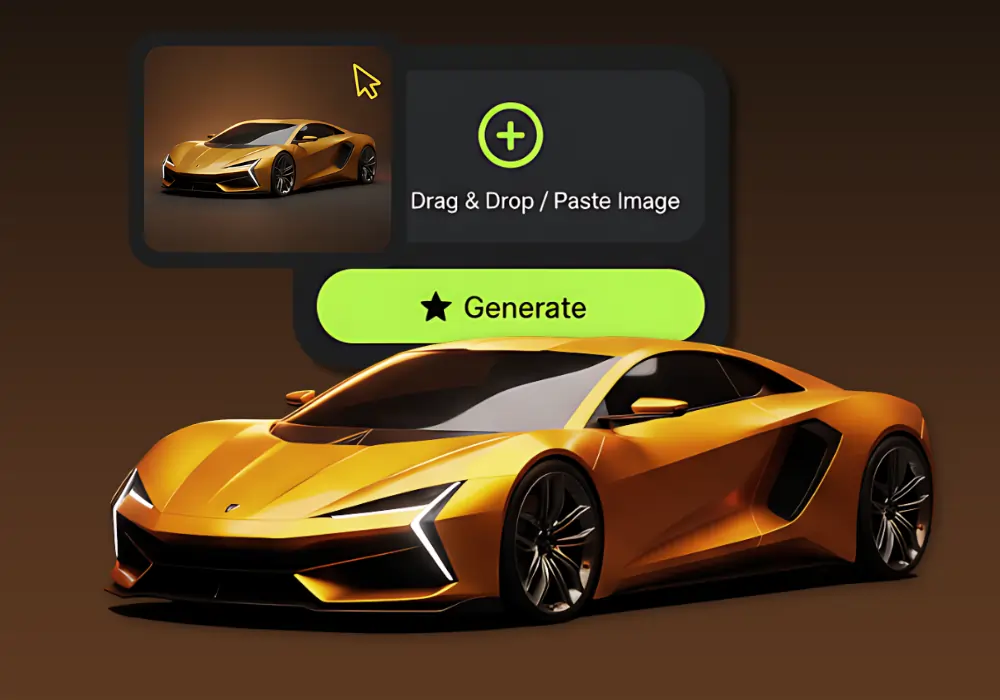
Image to 3D Model
Create detailed 3D models from photos using our Image to 3D tool, which generates accurate 3D models from simple images.
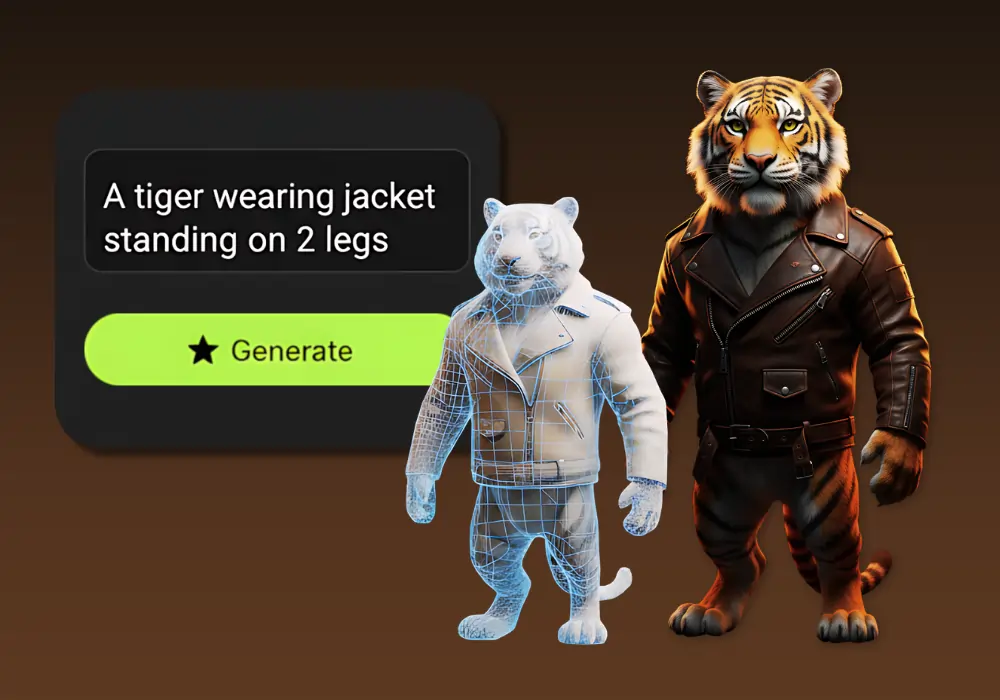
Text to 3D Model
Create detailed 3D models from text using our Text to 3D Model tool, which generates accurate 3D models from simple text descriptions.
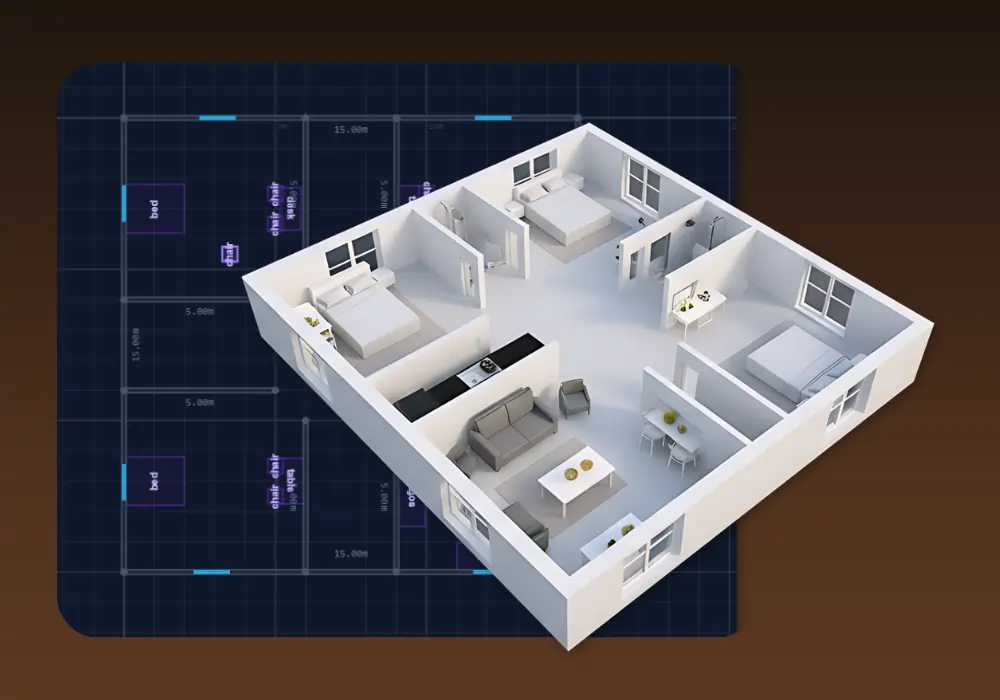
3D Building Editor
Design and visualize buildings in 3D with 3D Building Editor. Create floor plans, customize structures and explore your architecture in real time.
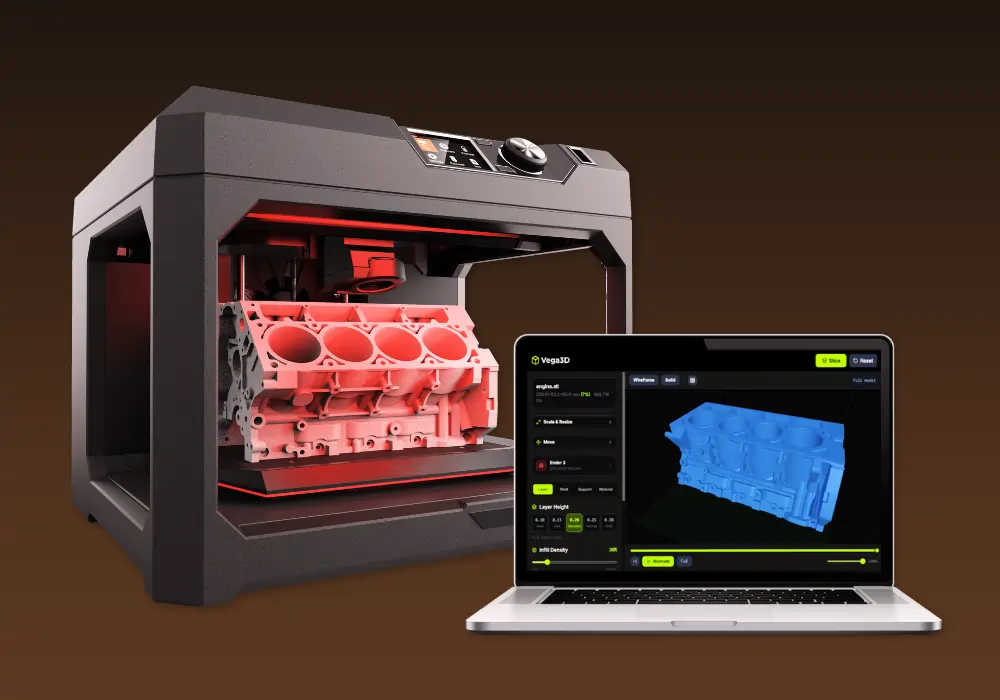
Vega3D Model Slicer
Best 3D model free online slicing software dedicated and use for slicing 3D models for 3d printing that allow preparing files to be printed.
Why switch from TRELLIS?
What Vega3D does differently.
No GPU or setup required
TRELLIS is a model you need to host or rent access to. Vega3D is a finished web app you can use the moment you sign up.
Built for print, not just research
Model slicer, print cost estimator and lithophane generator take a generated model to a printable file, which an open source research model does not include.
One predictable monthly price
Vega3D is a flat $9/month. Third party hosts running TRELLIS typically charge per generation, which is harder to predict at scale.
TRELLIS vs Vega3D: Pros and Cons
TRELLIS
Pros
- Open source code and model weights you can self host, modify or fine tune
- Multiple model sizes (Basic, Large, X-Large) and a newer TRELLIS.2 model to balance quality and compute cost
- Flexible output formats including radiance fields and 3D Gaussians, useful for research and advanced pipelines
- Free to run if you already have your own GPU hardware
Cons
- Not a finished app, you need to self host or use a third party platform to actually generate models
- No built in viewer, converter, slicer or print preparation tools
- Pricing depends entirely on which third party host you use, commonly billed per generation
- Requires technical setup (Python, GPU drivers, dependencies) for self hosting
Vega3D
Pros
- Ready to use the moment you sign up, no GPU, installation or coding required
- Flat $9/month pricing with a commercial license included
- Model slicer, print cost estimator and lithophane generator built in for 3D printing
- CAD viewer for STEP, IGES, DXF, STP and PLT files alongside standard 3D formats
Cons
- No open source code or self hosting option
- No choice of underlying model size or architecture
- No access to research focused output formats like radiance fields or 3D Gaussians
- Generation is limited to Vega3D credits rather than your own hardware capacity
TRELLIS vs Vega3D: What You Need to Know
The honest differences that should actually drive your decision.
TRELLIS is a model, not an app
TRELLIS is open source research from Microsoft. To actually use it you either self host it on your own GPU or go through a third party platform that wraps it with a hosted interface.
Vega3D is ready to use immediately
There is nothing to install or host. Sign up and generate your first model in the browser.
Pricing works very differently
TRELLIS itself is free, open source software, but most people end up paying a third party host per generation. Vega3D is a flat $9/month with no per generation fees.
TRELLIS offers more output flexibility for technical users
Radiance fields and 3D Gaussian output are useful for research or advanced rendering pipelines, but most people who just want a usable 3D model do not need them.
Vega3D covers the path to a physical print
Model slicer, print cost estimator and lithophane generator are not something an open source generation model includes on its own.
Frequently Asked QuestionsFrequently
Asked
Questions
It depends on how you run TRELLIS. The model itself is free and open source if you have your own GPU, but most people access it through a third party host that charges per generation. Vega3D is a flat $9/month with no per generation fees.
Yes, unless you use a third party hosted platform. Running TRELLIS yourself requires a capable GPU, Python and the model dependencies. Vega3D works entirely in your browser with no installation.
No, Vega3D is a hosted web app, not open source software. TRELLIS is released as open source code and weights on GitHub and Hugging Face that you can self host.
No. TRELLIS can output radiance fields and 3D Gaussians in addition to meshes. Vega3D generates GLB, STL and OBJ models, and separately supports viewing and converting FBX, GLTF, PLY and 3MF files.
If your TRELLIS pipeline exports a standard mesh format like GLB or OBJ, yes, you can upload it to the Vega3D viewer or converter to inspect, convert or prepare it for printing.
Vega3D includes a CAD viewer for STEP, IGES, DXF, STP and PLT files. TRELLIS does not include a CAD viewer since it is a generation model, not an application.
Yes. Vega3D includes a model slicer, print cost estimator and lithophane generator. TRELLIS has no built in print preparation tools.
TRELLIS is available in Basic (342 million parameters), Large (1.1 billion parameters) and X-Large (2 billion parameters), with a newer TRELLIS.2 model at 4 billion parameters for higher fidelity image to 3D generation.
TRELLIS was created by Microsoft Research and introduced in the paper "Structured 3D Latents for Scalable and Versatile 3D Generation," a CVPR 2025 Spotlight paper.
Licensing depends on the specific TRELLIS release and the third party platform you use to run it, so check the license terms for the model weights and your hosting provider. Vega3D includes a commercial license with every paid plan starting at $9/month.
Probably not on its own. Running TRELLIS directly requires GPU setup and coding knowledge. Most non technical users access it through a third party hosted platform instead, or use a ready to use app like Vega3D.
See It In Action
Watch How Vega 3D Works