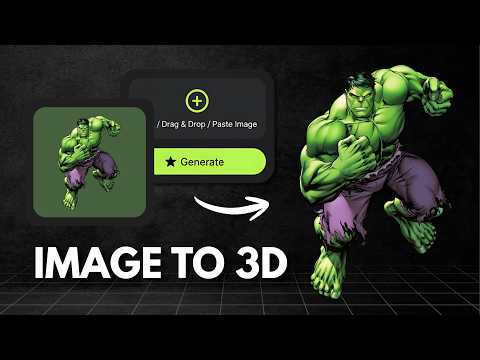
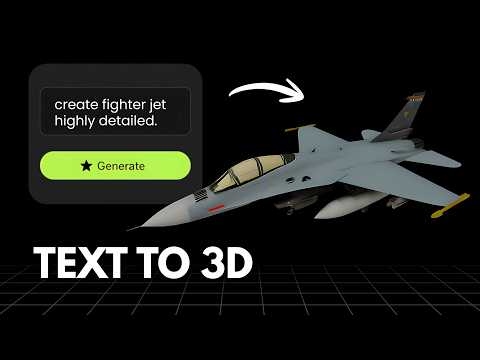
What is Tripo?
Tripo, also known as Tripo3D, is an AI 3D modeling platform that converts text, images and sketches into 3D assets through a single workflow. It offers text to 3D and image to 3D generation with high quality geometry and clean topology, along with one click 4K PBR texturing, mesh stylization presets and smart mesh optimization for refining output. Tripo integrates with major engines including Blender, Unity, Unreal Engine, ComfyUI, Cocos and Godot, and reports more than 6.5 million creators and over 100 million models created on the platform. Its free plan is limited to public, CC BY 4.0 licensed models with capped downloads, while the Pro plan and above unlock private models with commercial use.
What is Vega3D?
Vega3D is a focused AI 3D toolkit for turning images and text into 3D models, then taking those models all the way to a usable file. It supports image to 3D, text to 3D and text to CAD generation, a multi format 3D viewer covering GLB, GLTF, STL, OBJ, FBX, PLY and 3MF files, a CAD viewer for engineering formats like STEP, IGES, DXF, STP and PLT, a format converter, and 3D printing tools including a model slicer, print cost estimator and lithophane generator. Plans start at $9/month for 50 credits with a commercial license included, scaling up to Pro and Premium for higher monthly limits.
Choose Tripo If
- You want mesh stylization presets and smart mesh optimization tools for refining output
- You are part of a larger studio that needs high concurrency or team and seat based billing
- You want to be on a platform with an established community of 6.5 million plus creators
- Public, non commercial test generations are enough for you to get started
Choose Vega3D If
- You need private, commercially licensed models from day one without upgrading tiers
- You want a CAD viewer for STEP, IGES, DXF, STP and PLT files alongside standard 3D formats
- You want 3D printing tools (slicer, cost estimator, lithophane generator) built into the same app
- You prefer one flat $9/month plan instead of download caps and tiered concurrency limits
Vega3D vs Tripo at a glance
| Feature | Vega3D | Tripo |
|---|---|---|
| Image to 3D | ||
| Text to 3D | ||
| Text to CAD | ||
| CAD viewer (STEP, IGES, DXF) | ||
| Model slicer and print cost estimator | ||
| Free plan private models with commercial use | No, free tier is public CC BY 4.0 only | |
| Cheapest private, commercial plan | $9/month | $13.93/month billed yearly or $19.90/month |
Generate 3D Models in Seconds
Powerful AI tools to turn your images and ideas into stunning 3D models instantly.
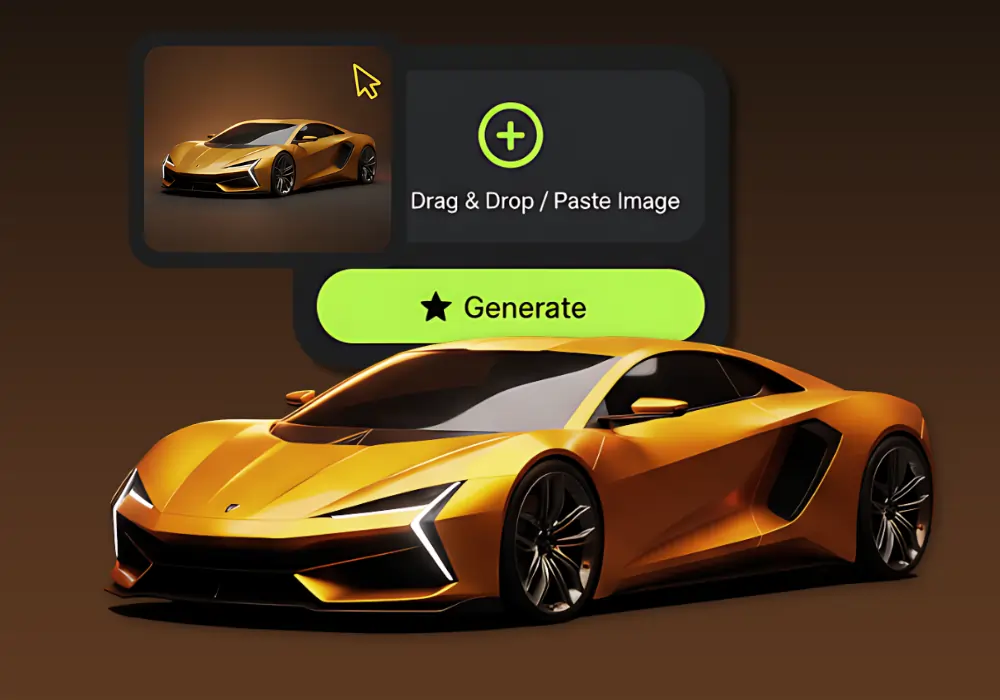
Image to 3D Model
Create detailed 3D models from photos using our Image to 3D tool, which generates accurate 3D models from simple images.
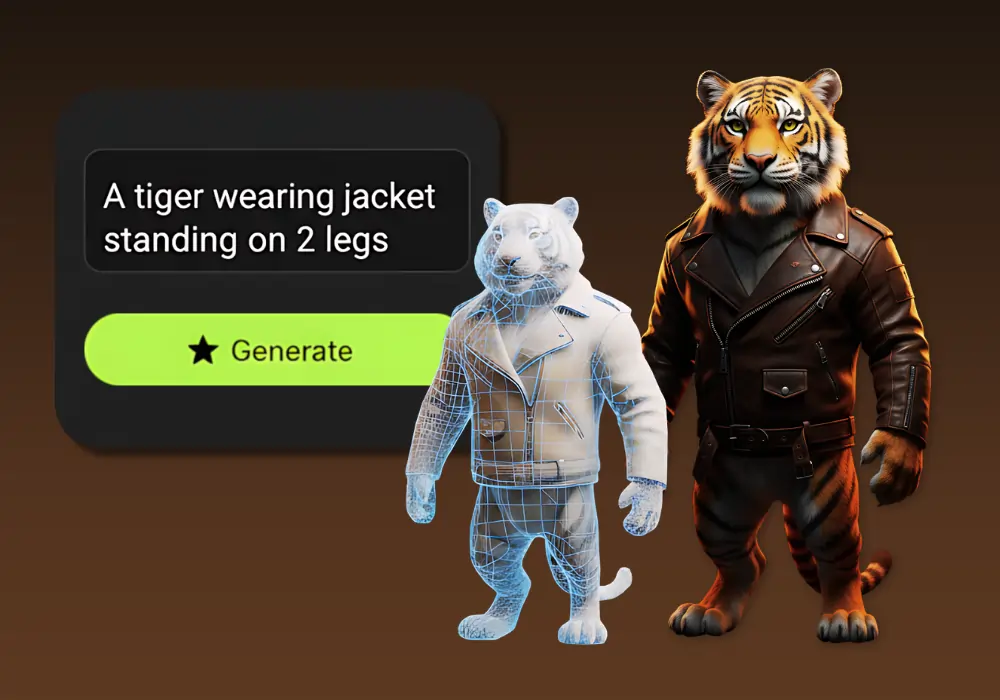
Text to 3D Model
Create detailed 3D models from text using our Text to 3D Model tool, which generates accurate 3D models from simple text descriptions.
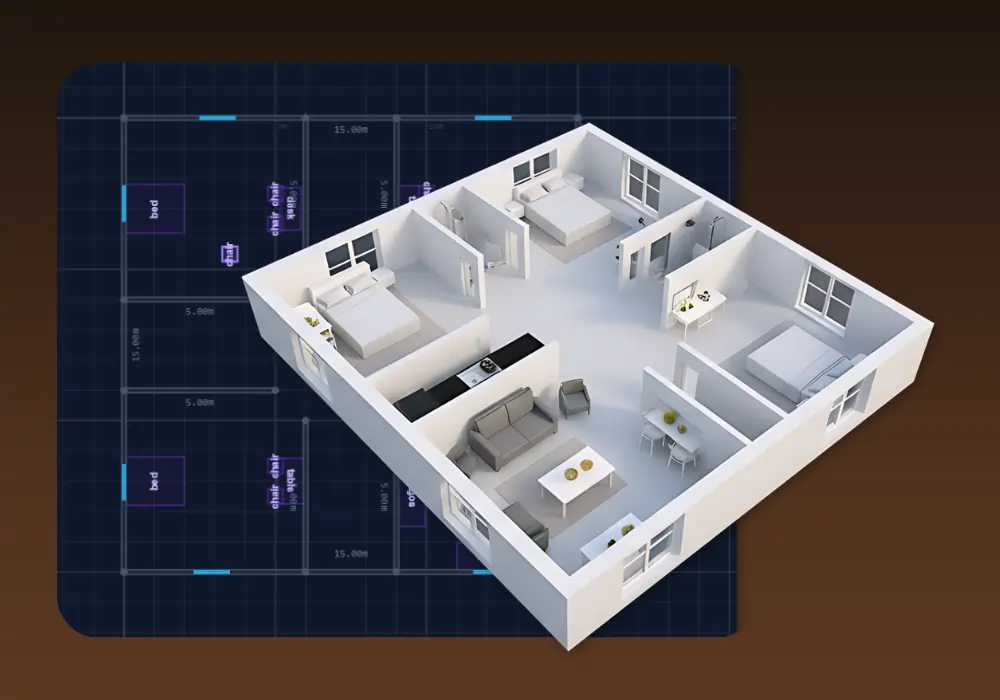
3D Building Editor
Design and visualize buildings in 3D with 3D Building Editor. Create floor plans, customize structures and explore your architecture in real time.
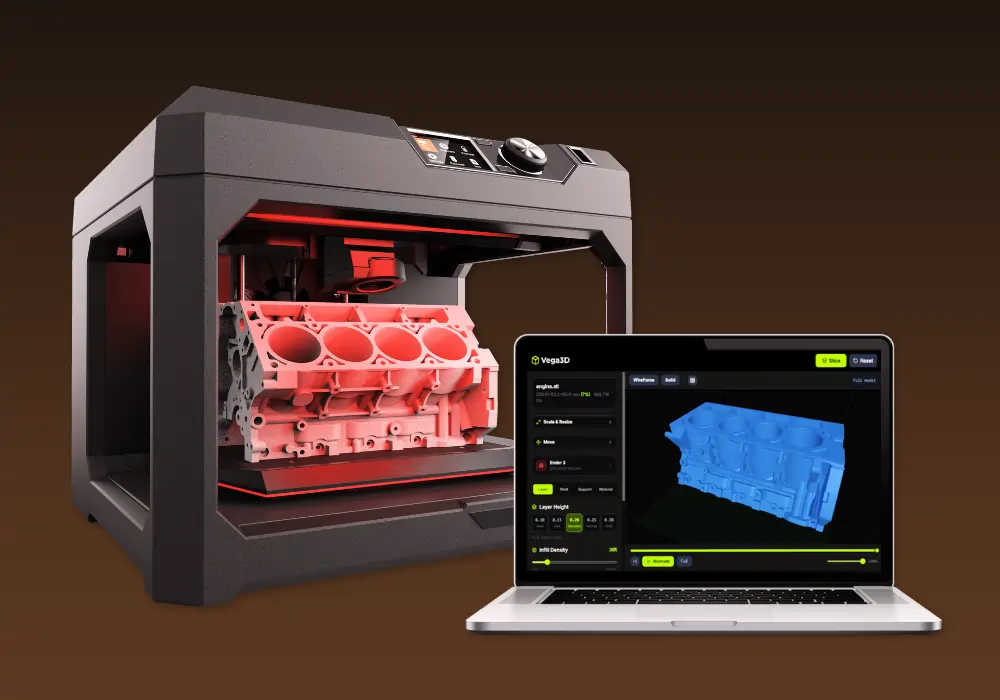
Vega3D Model Slicer
Best 3D model free online slicing software dedicated and use for slicing 3D models for 3d printing that allow preparing files to be printed.
Why switch from Tripo?
What Vega3D does differently.
Lower entry price for commercial use
Vega3D includes a commercial license on every paid plan starting at $9/month. Tripo free tier only permits public, CC BY 4.0 models, and private commercial use needs the Pro plan.
Print preparation built in
Model slicer, print cost estimator and lithophane generator carry a generated model through to a printable file without extra software.
No download caps
Tripo free plan caps downloads at 15/month. Vega3D ties usage to a simple monthly credit allowance instead of a separate download limit.
Tripo vs Vega3D: Pros and Cons
Tripo
Pros
- Mesh stylization presets and smart mesh optimization for refining generated models
- A large, established platform with more than 6.5 million creators and 100 million models created
- Very high concurrency on top plans, up to 200 concurrent tasks on Team
Cons
- Free plan models are public only (CC BY 4.0) and capped at 15 downloads/month
- Private, commercial use requires the Pro plan at $13.93 to $19.90/month
- No tools for 3D printing such as slicing or print cost estimation
- No CAD viewer for engineering formats like STEP, IGES or DXF
Vega3D
Pros
- Commercial license included from $9/month with no public only restriction
- Model slicer, print cost estimator and lithophane generator built in
- CAD viewer for STEP, IGES, DXF, STP and PLT files
- Flat monthly credits instead of separate download caps
Cons
- Smaller install base and community than an established platform like Tripo
- Lower maximum concurrency for simultaneous generations
- No free plan to try before subscribing
Tripo vs Vega3D: What You Need to Know
The honest differences that should actually drive your decision.
Tripo's free plan is more limited than it looks
200 credits sounds generous, but free output is public only (CC BY 4.0) and capped at 15 downloads a month, which rules out private commercial work without upgrading.
Vega3D commercial licensing starts immediately
There is no free tier, but every Vega3D paid plan from $9/month includes a commercial license with no public model restriction.
Tripo has a much larger user base
Tripo reports more than 6.5 million creators and over 100 million models created, which can matter if community templates, tutorials or third party support are important to you.
Vega3D wins on the path to a physical print
Model slicer, print cost estimator and lithophane generator are built in, so a generated model can go straight to a 3D printer.
Concurrency matters for studios, not most solo users
Tripo's higher tiers support up to 200 concurrent generation tasks for teams running large batches. Most individual creators will not need that scale.
Frequently Asked QuestionsFrequently
Asked
Questions
Vega3D Standard is $9/month for 50 credits with a commercial license included from the start. Tripo Pro, which is required for private commercial models, is $13.93/month billed yearly or $19.90/month for 3,000 credits.
Only with public, CC BY 4.0 licensed models, and downloads are capped at 15/month. Private, commercially licensed models require the Tripo Pro plan.
Tripo reports more than 6.5 million creators and over 100 million models created, reflecting a larger, more established platform. Vega3D is a newer, more focused 3D toolkit.
Not currently. Tripo includes stylization presets and smart mesh optimization for refining generated output. Vega3D focuses on generation, viewing, conversion and print preparation rather than mesh editing.
Yes. Upload your GLB, OBJ, FBX or STL file to the Vega3D viewer or converter to inspect, convert or prepare it for 3D printing.
Vega3D includes a CAD viewer for STEP, IGES, DXF, STP and PLT files in addition to standard 3D formats. This is not a feature highlighted on Tripo.
Vega3D Standard gives about 5 models/month from 50 credits at 10 credits each. Tripo's free plan gives roughly 8 models/month (200 credits), and Tripo Pro gives roughly 120 models/month (3,000 credits).
No, this is where Vega3D has an advantage. Vega3D includes a model slicer, print cost estimator and lithophane generator. Tripo does not offer dedicated print preparation tools.
Tripo's free plan allows 1 concurrent generation task, Pro allows 10, and higher tiers scale up to 200 for teams. Vega3D does not currently advertise concurrent task limits since it is built around individual generation requests.
Not currently. Tripo offers a Team plan with shared workspaces and per seat billing. Vega3D plans (Standard, Pro, Premium) are currently individual subscriptions.
Tripo's plugin ecosystem covers Blender, Unity, Unreal, ComfyUI, Cocos and Godot. Vega3D generates GLB, STL and OBJ, and separately supports viewing and converting FBX, GLTF, PLY, 3MF and CAD formats for uploaded files.
See It In Action
Watch How Vega 3D Works